


The short version: A WDM EDFA (WDM PON EDFA / EDFA PON Combiner) puts your 1550 nm CATV video and your xPON data (GPON / XGSPON / 50G-PON) onto the same fiber. When someone asks us about a multi-port setup, three things decide the call: how much output per port your split ratio actually needs, which PON generation the pass-through supports, and the rack/interface fit (2U, LC/APC). On Premlink’s WDM PON EDFA the practical reference is a typical ≥18 dBm output with a -10 to +10 dBm input window. The honest advice we give most FTTH operators: start small, prove the RF video overlay works on one service area, then scale—don’t over-buy on day one.
Why a small multi-port unit often beats a big one to start
Most FTTH builds start the same way. The OLT is live, the splitters are planned, and the operator wants to add RF video overlay (1550 nm) without pulling new fiber. The instinct is to order the biggest could. In our experience the better first move is a smaller multi-port unit: light up one splitter service area, verify the overlay holds its MER/CNR numbers, show it works, then scale.
A multi-port WDM EDFA’s real value is that it covers a typical PON service area with the smallest footprint while keeping per-port management. It’s not “a weaker big unit.” Set the CAPEX where the actual split demand is, and expand only when the pilot proves out.
The three specs that actually decide the pick
1. Output per port against your split ratio
This is the one people skip and regret. Look at output relative to splitting and distance, not at the box’s headline number. On Premlink’s WDM PON EDFA, typical output is ≥18 dBm and the input window is -10 to +10 dBm—both straight off the product page.
As a rough working range (industry-standard loss figures, FOA/ITU-T application values):
| Scenario | Output you roughly need | Notes |
|---|---|---|
| 1×64 split, short span (≤5 km) | ~16-18 dBm | Feasible |
| 1×32 split, medium span (10-20 km) | ~17-19 dBm | Most common |
| Long reach or cascaded stages | ~19-21 dBm | Step up a tier |
The trap: sizing for the max case means paying for output you never use and adding SBS risk. Size for the real split ratio, keep 3 dB of margin.
2. Which PON generation the pass-through supports
The pass-through decides how long the unit stays useful without re-buying:
- Older networks: GPON/EPON pass (1310/1490 nm)
- Modern: XGSPON / Combo PON (1270/1310 nm up, 1490/1577 nm down)
- Coming: 50G-PON (1286/1600 nm)
Our default advice: pick a model that passes XGSPON. It also handles GPON, so you’re not throwing the box away when your network upgrades in two or three years.
3. Rack, interface, and power
- U-height: multi-port units usually sit in 1U or 2U—check your OLT rack actually has the space.
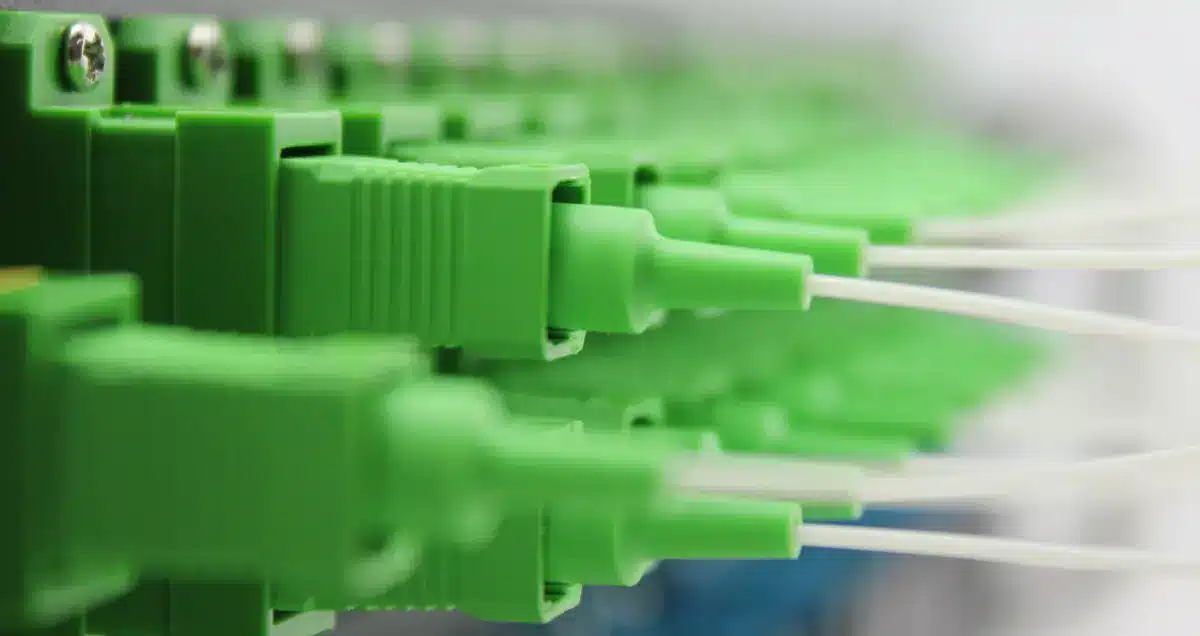
- Interface: XGSPON pass-through models typically run LC/APC; older GPON units often SC/APC. Wrong interface means adapters, and adapters mean extra loss and failure points.
- Power: confirm AC or DC on site, and whether you want dual PSU redundancy.
Wiring: four habits that cut faults
1. Clean before you plug. Dirty end-faces are the most common hidden fault in FTTH. A contaminated face can push a 0.5 dB connection to 3 dB+ and trip return-loss alarms.
2. Get the signal direction right. 1550 nm CATV into the EDFA input, amplified out to the WDM combining stage; keep the xPON pass port as a passive straight-through, don’t reverse it.
3. Ground the chassis. It avoids common-mode interference that hurts CNR.
4. Check the Web after power-up. Confirm each port’s output matches the set value (the unit steps output in fine increments), and that alarms reset.
When a small unit isn’t enough
When one service area’s ONU count outgrows your per-port split ceiling, or you’re pushing RF overlay across more areas, then step to an 8-port, 16-port, or higher. The sane path we recommend: run 4-port (or small multi-port) first, verify MER/CNR on the overlay, then scale. That’s how most FTTH projects de-risk, and it’s cheaper to fix a pilot than a fleet.
Recommended reading
- WDM PON EDFA / EYDFA series — full family and the three amplification modes
- WDM EDFA with GPON Combiner and GPON & XGSPON EDFA
FAQ
Q: How is a multi-port WDM EDFA different from a standard CATV EDFA?
A: A standard CATV EDFA only amplifies 1550 nm. A WDM PON EDFA is an amplifier plus a WDM combiner—it merges the amplified 1550 nm video with xPON data on one fiber for single-fiber triple-play.
Q: My network is GPON today. Will an XGSPON pass-through model be useless?
A: Usually not. XGSPON pass-through models typically also handle GPON/EPON, so you buy one unit that stays useful through the upgrade. Confirm the model’s coexistence spec (XGSPON & GPON / 50G-PON) before ordering.
Q: Can I adjust output power remotely?
A: Yes. The Premlink WDM PON EDFA series has Web and SNMP, and output is adjustable in fine steps from a NOC, with port status and alarms visible remotely.
Q: Start small or go big from the beginning?
A: Start small and verify. A small multi-port unit fits a typical split service area; step up to 8/16-port when the pilot proves the overlay and you’re ready to scale. Cheaper and lower-risk.
*Target keywords: wdm edfa / wdm edfa 4 port. Written for FTTH/CATV engineers choosing or wiring a WDM EDFA.*